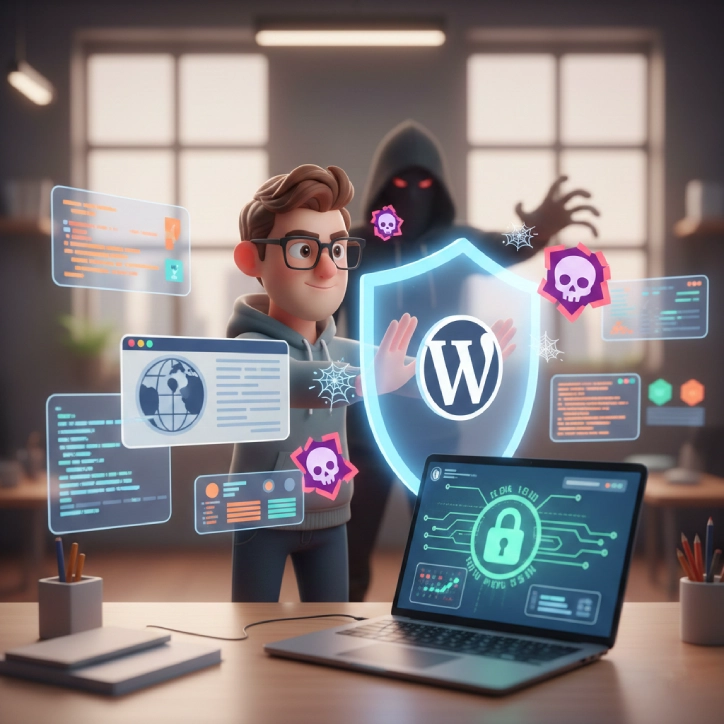

In today’s digital world, website security is no longer optional — it’s essential. Whether you run a blog, business website, or eCommerce store, securing your website with SSL is one of the most important steps you can take. If you’re wondering how to get a free SSL for your WordPress website, this guide will walk you through everything in simple steps.
As a leading Website Design and Development Company USA, we often help businesses secure their WordPress websites without extra cost. Let’s understand how you can do the same.
What is an SSL Certificate?
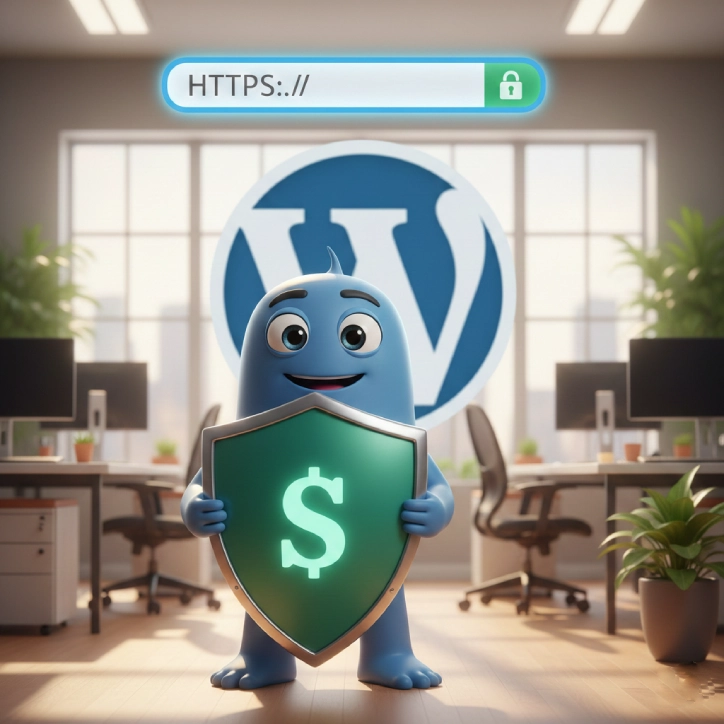
SSL (Secure Sockets Layer) is a security protocol that encrypts data transferred between your website and its visitors. Once SSL is installed, your website URL changes from:
http://yourwebsite.comto
https://yourwebsite.comYou’ll also see a padlock icon in the browser bar.
SSL helps:
- Protect sensitive information
- Improve search engine rankings
- Build trust with visitors
- Prevent data theft
Google considers HTTPS a ranking factor, which means having SSL can improve your SEO performance.
Step 1: Check If Your Hosting Provider Offers Free SSL
Most modern hosting providers offer free SSL certificates through Let’s Encrypt. Popular hosting companies like Bluehost, SiteGround, Hostinger, and others provide it at no additional cost.
To activate:
- Log in to your hosting control panel.
- Go to the SSL/TLS section.
- Enable “Free SSL” or “Let’s Encrypt SSL.”
- Assign it to your domain.
If you’re working with a Web Development Company USA, they usually handle this setup for you during website deployment.
Step 2: Install and Activate SSL in WordPress
After enabling SSL in your hosting panel, you need to configure WordPress properly.
Option 1: Use a Plugin (Easy Method)
Install the plugin Really Simple SSL:
- Go to WordPress Dashboard → Plugins → Add New.
- Search for “Really Simple SSL.”
- Install and activate it.
- Click “Activate SSL.”
The plugin will automatically update your site URLs to HTTPS.
Option 2: Manual Method
If you prefer manual setup:
- Go to Settings → General.
- Change WordPress Address (URL) to HTTPS.
- Change Site Address (URL) to HTTPS.
- Save changes.
You may also need to update your .htaccess file to force HTTPS.
Step 3: Force HTTPS Redirection
To ensure all traffic uses HTTPS, add this code to your .htaccess file:
RewriteEngine On
RewriteCond %{HTTPS} off
RewriteRule ^(.*)$ https://%{HTTP_HOST}%{REQUEST_URI} [L,R=301]
This ensures every visitor automatically lands on the secure version of your site.
A professional Web Design Company in USA ensures proper HTTPS redirection during development to avoid SEO issues.
Step 4: Fix Mixed Content Errors
Sometimes after installing SSL, you may see warnings due to mixed content (HTTP resources loading inside HTTPS pages).
To fix this:
- Update internal links to HTTPS
- Clear website cache
- Use SSL plugins to detect mixed content
- Update image and script URLs
Proper handling of SSL ensures smooth performance and user trust — something every Professional Web Design USA provider focuses on.
Why SSL is Important for Your Business Website
If you offer Website Development Services USA, or run a business website targeting U.S. customers, SSL is mandatory.
Benefits include:
1. Improved SEO Rankings
Google prefers secure websites.
2. Increased Customer Trust
Visitors trust websites with the padlock symbol.
3. Data Protection
Encrypts login credentials, payment details, and contact forms.
4. Better Conversion Rates
Secure websites convert better than unsecured ones.
As a trusted Web Development Company USA, we strongly recommend SSL for every WordPress website, regardless of size.
Final Thoughts
Getting a free SSL for your WordPress website is simple, cost-effective, and crucial for online success. Most hosting providers offer free SSL through Let’s Encrypt, and WordPress plugins make configuration easy.
If you’re not comfortable handling technical setup, working with a reliable Web Application Design & Development Company USA ensures your website remains secure, optimized, and professionally managed.
Security is not an upgrade — it’s a necessity.
Secure your WordPress website today and build trust with every visitor.