

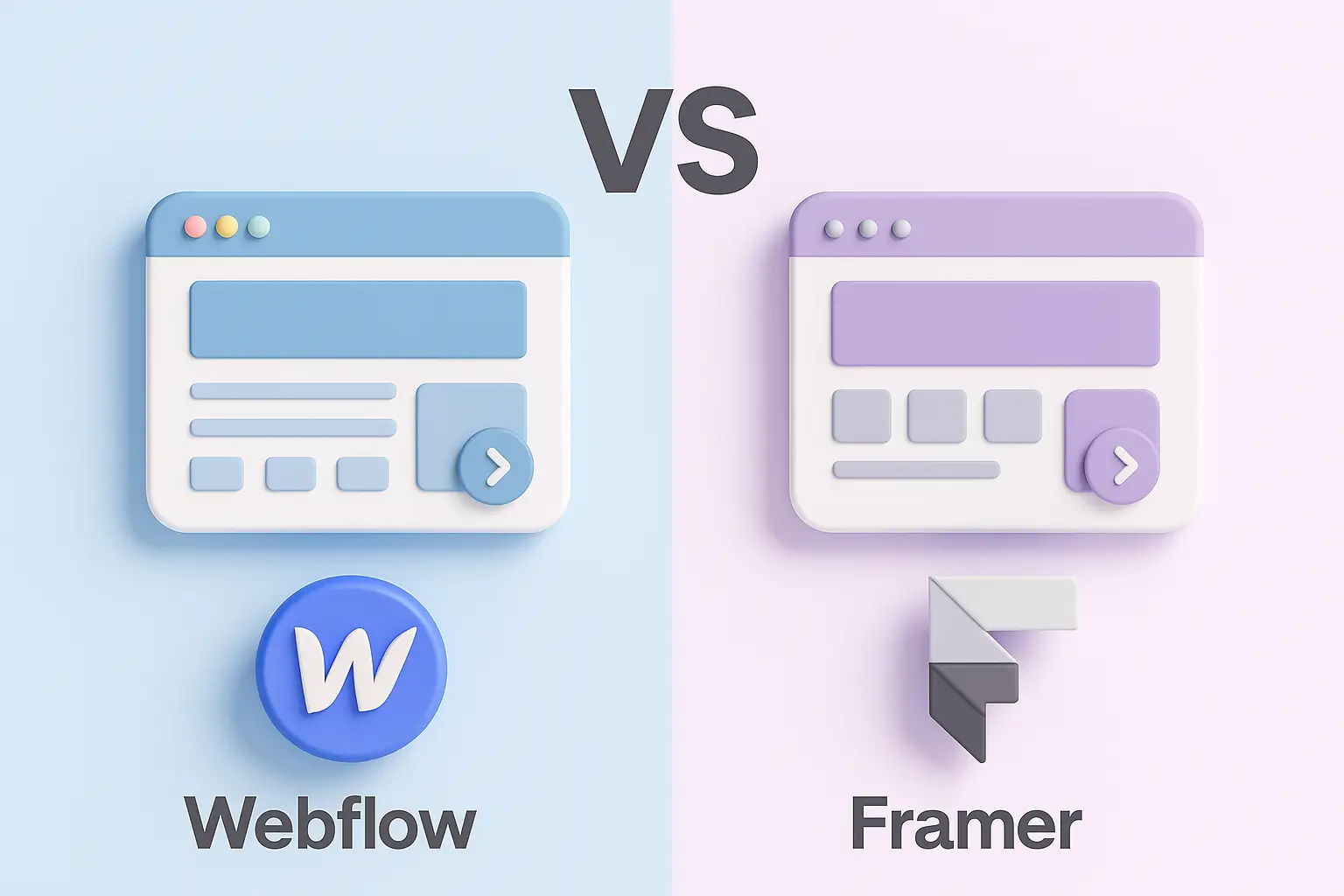
Can’t decide between Webflow and Framer for your next website? You’re not alone.
Quick Takeaway
- Framer: Perfect for non-technical founders and business owners who want to launch fast with minimal development.
- Webflow: Ideal for designers and developers who need advanced design flexibility and full control over website structure and CMS.
In this blog, we’ll break down a detailed comparison of Webflow and Framer, covering ease of use, design flexibility, pricing, and which platform is best for you, so you can make a confident, informed choice for your web development project.
A Brief Comparison of Webflow and Framer
Both Webflow and Framer are leading no-code tools in the web design and web development space. However, they serve slightly different purposes and user bases.
Framer is ideal for those who prioritize speed, simplicity, and sleek interactions perfect for MVPs and landing pages.
What is Webflow?
Webflow is a visual web development platform that allows you to build fully responsive websites without writing code. It combines the flexibility of front-end coding with the ease of a drag-and-drop interface.
Key Features of Webflow
- Full Design Control: Drag, drop, style, and customize every detail without limits.
- Custom Code Support: Add your own HTML, CSS, or JavaScript if needed.
- Advanced Animations: Create stunning interactions and animations.
- SEO-Ready: Fast-loading pages and built-in SEO tools.
- E-commerce & Hosting: Built-in tools for online stores and reliable hosting.
Who Should Use Webflow?
- Designers or developers with an eye for detail
- Businesses needing advanced layout control and scalability
- Agencies and professionals building custom websites for clients
What is Framer?
Framer started as a design prototyping tool but has evolved into a website builder known for its clean UI and animation-first approach. It allows users to create and publish websites directly from a design interface, making it ideal for fast MVPs and beautiful landing pages.
Key Features of Framer
- Drag-and-Drop Simplicity: Build and launch without any coding.
- Figma Integration: Import designs directly from Figma with ease.
- No-Code Interactions: Add smooth animations and transitions effortlessly.
- AI Writing Assistant: Get help writing or editing text content.
- SEO Optimization: Built-in SEO tools to help rank on Google.
- Templates: Start quickly with beautifully designed templates.
Who Should Use Framer?
- Founders and non-technical users building a quick MVP
- Designers who want to skip developer handoff
- Businesses needing fast, elegant landing pages
Conclusion
Both Webflow and Framer are top-tier tools in the web design world. But the best choice depends on your project’s goals:
- Choose Framer if you’re launching a simple MVP, need quick deployment, or prefer a more intuitive interface.
- Choose Webflow if you need full customization, CMS control, and a scalable solution for complex web development needs.
By understanding the strengths of each platform, you’ll be better equipped to build a website that not only looks great but functions exactly how you need it to.
Need help choosing or building your site in Webflow or Framer? Reach out, we’d be happy to help bring your vision to life.