

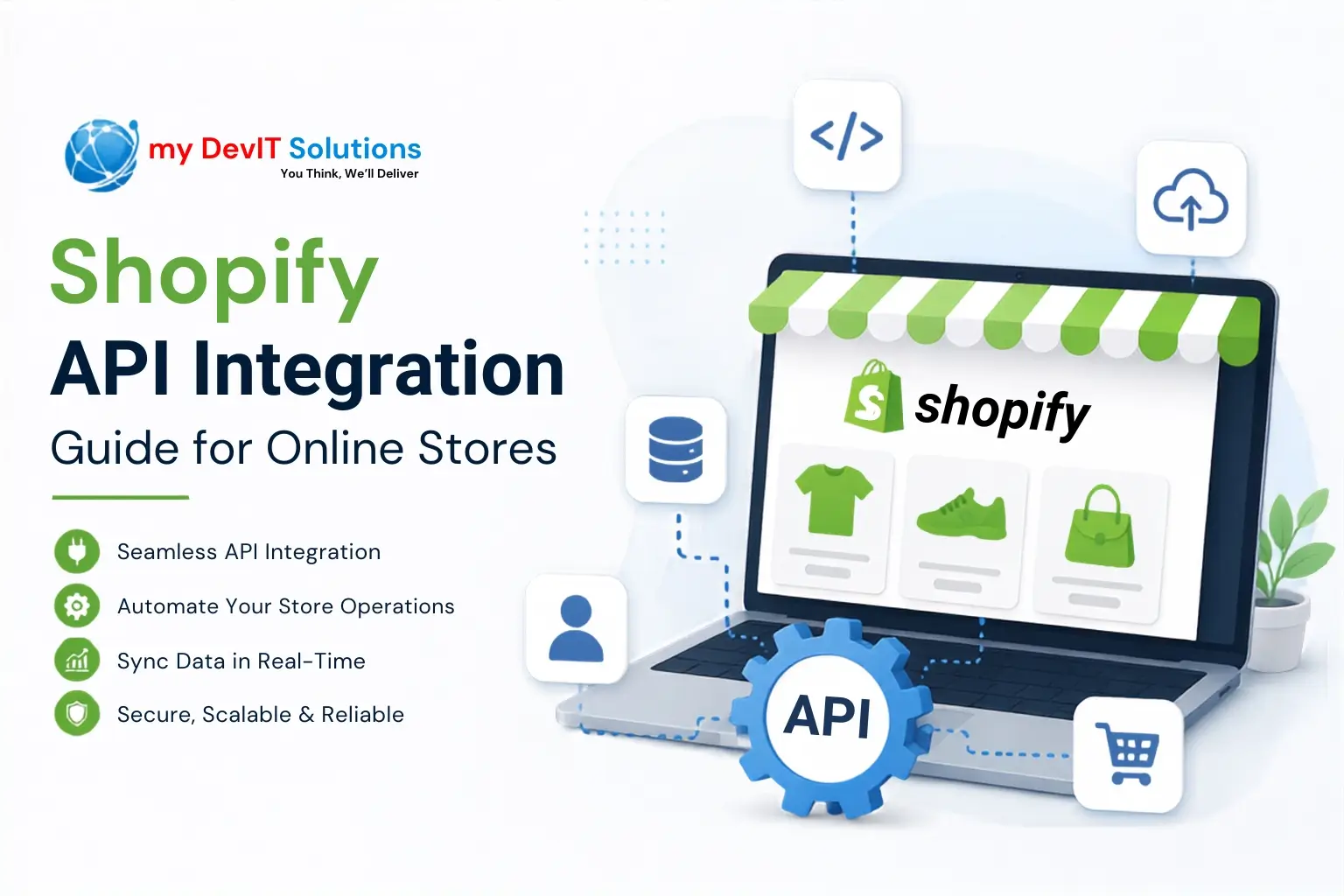
Running a modern online store means connecting dozens of tools inventory systems, CRMs, shipping platforms, accounting software into one seamless workflow. That’s exactly what Shopify API Integration makes possible. At my DevIT Solutions, we’ve helped merchants move from manual, error-prone data entry to fully automated, connected storefronts, and in this guide we’ll walk you through everything you need to know about integrating APIs with Shopify in 2026, from authentication to architecture to real-world use cases.
Shopify’s API ecosystem has changed significantly over the past two years, and if you’re still relying on outdated tutorials, you could be building on a foundation that’s already being phased out. This guide reflects the current state of the platform as of 2026.
What Is Shopify API Integration?
Shopify API Integration refers to the process of connecting Shopify’s Admin, Storefront, or Partner APIs with external systems such as ERPs, marketing platforms, POS systems, or custom apps so that data flows automatically between them. Instead of manually updating inventory counts or exporting order data into spreadsheets, a properly built Shopify API Connector lets systems talk to each other in real time.
For store owners, this isn’t just a technical nicety it directly affects order accuracy, customer experience, and how quickly your team can scale operations without adding headcount.
Why API Integration Shopify Merchants Rely On Matters in 2026
Shopify has been steadily shifting its entire developer platform toward GraphQL, and by 2026 the gap between REST and GraphQL capabilities is substantial. New features like Shopify Functions, Checkout Extensibility, Customer Account extensions, B2B catalog APIs, and bulk operations are only available through GraphQL meaning a REST-only integration is effectively frozen and can’t access most of what Shopify has shipped since 2023.
This matters because:
- Shopify’s REST Admin API has been officially designated a legacy API since October 1, 2024.
- As of April 1, 2025, all new public apps submitted to the Shopify App Store must be built exclusively on the GraphQL Admin API.
- The App Store review process now flags apps running on API versions older than “latest minus two quarters,” and apps more than 18 months out of date risk rejection or delisting.
If you’re planning to Integrate API With Shopify for a new project in 2026, GraphQL should be your default starting point, not an afterthought.
REST vs GraphQL: Choosing the Right Shopify API Connector
Both APIs are still functional, but they serve very different purposes today. Here’s a side-by-side comparison to help you decide which fits your integration.
| Feature | REST Admin API | GraphQL Admin API |
|---|---|---|
| Status (2026) | Legacy, maintenance mode | Primary, actively developed |
| New public apps allowed? | No (since April 2025) | Yes, required |
| Rate limiting model | 2 calls/second (bucket-based) | Point-based cost system (1,000-point bucket, refills ~50 pts/sec) |
| Access to newest features | Limited/frozen | Full (Functions, Checkout Extensibility, B2B, bulk ops) |
| Data fetching efficiency | Fixed response fields | Request only the fields you need |
| Best suited for | Small legacy custom apps (under 100 product variants) | All new integrations, public apps, scaling stores |
For most merchants building new integrations, Shopify API Integration built on GraphQL is the safer long-term investment, since Shopify’s own roadmap confirms REST won’t receive further feature parity.
Types of Shopify APIs You Can Integrate
Before you connect anything, it helps to understand which API actually fits your use case:
- Admin API (GraphQL): Manages products, orders, customers, inventory, discounts, and store configuration the backbone of most backend integrations.
- Storefront API: Powers custom storefronts and headless commerce builds, pulling product and cart data into any frontend framework.
- Customer Account API: Handles buyer authentication and account experiences; Shopify now requires apps to use this for authenticating buyers by December 1, 2026, to retain “Built for Shopify” status.
- Partner API: Used by agencies and app developers managing multiple client stores, billing, and app installations.
- Webhooks: Not a traditional API call, but essential for real-time event-driven integrations like order creation or inventory updates.
Step-by-Step Process to Integrate API With Shopify
Here’s a practical breakdown of the integration workflow our team follows for client projects:
| Step | What Happens | Key Consideration |
|---|---|---|
| 1. Define scope | Identify which data (orders, inventory, customers) needs to sync | Avoid over-scoping access permissions |
| 2. Create a Shopify app | Set up a custom or public app in the Partner Dashboard | Choose custom for internal use, public for App Store listing |
| 3. Choose authentication | Select OAuth (public apps) or Admin API access tokens (custom apps) | Store tokens securely, never in client-side code |
| 4. Build GraphQL queries/mutations | Write queries specific to your data needs | Pin to a specific API version (e.g., 2026-07) |
| 5. Set up webhooks | Subscribe to relevant events for real-time sync | Use HMAC verification to confirm authenticity |
| 6. Test in a development store | Validate data accuracy and error handling | Test rate limits and pagination behavior |
| 7. Monitor and maintain | Track deprecations via the developer changelog | Budget for a version bump every 3–4 months |
Skipping the version-pinning step is one of the most common mistakes we see. Because Shopify releases a new API version every quarter, an unversioned or outdated integration can silently break when older versions are retired.
Merchants who don’t have in-house developers often turn to agencies offering Trusted Web Application & Development Services in USA to handle this process end-to-end, since a poorly built integration can create more operational headaches than it solves.
Authentication Methods for Shopify API Integration
Getting authentication right is non-negotiable it protects customer data and store access. Here’s how the main methods compare:
| Method | Used For | Notes |
|---|---|---|
| OAuth 2.0 | Public apps distributed via App Store | Requires merchant approval flow and token refresh handling |
| Admin API Access Token | Custom/private apps for a single store | Generated directly in the Shopify Admin, scoped to specific permissions |
| Customer Account API tokens | Buyer-facing authentication | Mandatory for “Built for Shopify” status by December 2026 |
| Storefront API tokens | Headless/custom frontend access | Public and private token variants with different access levels |
Regardless of method, always follow the principle of least privilege only request the API scopes your integration genuinely needs.
Common Shopify API Integration Use Cases
A well-built Shopify API Connector can automate almost any repetitive operational task. Some of the most common use cases we build for clients include:
| Use Case | APIs Typically Used | Business Impact |
|---|---|---|
| ERP/inventory sync | Admin GraphQL, Bulk Operations | Eliminates manual stock updates, reduces overselling |
| Custom headless storefront | Storefront API, Customer Account API | Faster page loads, flexible frontend design |
| Marketing automation | Webhooks, Admin API (customers, orders) | Real-time triggers for email/SMS campaigns |
| Multi-channel order routing | Admin GraphQL, Fulfillment APIs | Centralized order management across marketplaces |
| Custom checkout logic | Shopify Functions, Checkout Extensibility | Personalized discounts, shipping rules, upsells |
| B2B catalog and pricing | B2B Catalog API, Markets API | Company-specific pricing and catalogs at scale |
If your store depends on a fast, well-structured storefront to support these integrations, it’s worth pairing your backend work with Top Rated Website Design & Development Services in USA, since integration performance is only as good as the frontend experience delivering it.
Best Practices for Shopify API Integration in 2026
Based on current Shopify guidance and real project experience, here are the practices that consistently prevent integration failures:
- Always specify an API version in every request rather than relying on defaults, which quietly point to the oldest supported version.
- Design for GraphQL’s point-based rate limits, not REST’s simpler request-count model nested queries cost more, so request only what you need.
- Use bulk operations for large data jobs like historical order imports, since they run asynchronously without consuming your rate-limit bucket.
- Verify webhooks with HMAC signatures to prevent spoofed requests from triggering false updates.
- Track the developer changelog quarterly so you’re never caught off guard by a deprecation deadline.
- Avoid hardcoding deprecated fields, such as legacy metaobject access-control enums being removed in recent API versions.
Store owners who treat API integration as a one-time task rather than an ongoing maintenance responsibility tend to run into breakage every few quarters. Partnering with a team offering Premium Professional SEO Services in USA alongside development support can also help ensure that backend changes don’t inadvertently affect page speed or crawlability, both of which matter for search visibility.
Shopify API Integration, Site Performance, and SEO in 2026
It’s easy to think of API integration as a purely backend concern, but it has a direct relationship with SEO. Poorly optimized GraphQL queries can slow down page load times, which affects Core Web Vitals a ranking factor Google continues to weight heavily. Similarly, headless storefronts built on the Storefront API need careful attention to structured data, canonical tags, and rendering strategy to remain fully crawlable.
As AI-driven search experiences become more common, the way your store’s data is structured and served through APIs increasingly influences how well it performs in AI-generated summaries and traditional search results alike. If you’re curious about this shift, our breakdown on How SEO Is Affected By AI covers how automated integrations and content structure now intersect with search visibility.
For merchants investing in both technical integration and organic growth, working with a team that understands Best Website Design Development and SEO Services in USA ensures these two workstreams reinforce each other instead of working against one another.
Common Challenges in Shopify API Integration
Even experienced teams run into friction points. The most frequent ones we encounter include:
- Rate limit mismanagement:- treating GraphQL’s cost-based system like REST’s flat request limits, leading to throttled requests during high-traffic periods.
- Version drift:- apps left unmaintained for over a year accumulate multiple breaking changes at once, making upgrades painful.
- Incomplete webhook handling:- missing retry logic for failed webhook deliveries, causing silent data gaps.
- Scope creep in permissions:- requesting broader API access than necessary, which increases security risk and slows App Store approval for public apps.
- Ignoring the Customer Account API migration:- apps still using legacy authentication risk losing “Built for Shopify” status after the December 2026 deadline.
Startups building their first Shopify integration often benefit from external guidance early on this is where Best IT Consulting Services for Startups USA can help avoid costly architectural mistakes before development even begins.
Conclusion
Shopify API Integration in 2026 looks very different from what it did even two years ago. REST is no longer where new development happens, GraphQL’s point-based system requires different optimization thinking, and Shopify’s quarterly release cycle means integrations need ongoing maintenance rather than a “set it and forget it” mindset. Whether you’re syncing inventory, building a headless storefront, or automating order workflows, a well-architected Shopify API Connector built on current standards will save you from costly rework down the line. At my DevIT Solutions, we build and maintain Shopify integrations designed around where the platform is heading, not just where it’s been. If you’re planning to integrate API with Shopify for your store in 2026, getting the architecture right from day one makes every future update easier.
FAQs
A: Shopify API Integration is the process of connecting Shopify’s Admin, Storefront, or Partner APIs with external systems to automate data flow between your store and other business tools.
A: Yes, existing REST integrations still function, but it’s a legacy API in maintenance mode, and new public apps have been required to use GraphQL since April 2025.
A: REST uses fixed response fields and simple rate limits, while GraphQL lets you request exactly the fields you need and uses a point-based cost system for rate limiting.
A: Shopify releases a new stable API version every three months, with each version supported for a minimum of twelve months.
A: While simple integrations can use existing apps, custom workflows involving GraphQL, webhooks, and authentication generally require developer expertise for security and reliability.
A: Outdated apps risk broken functionality when old versions retire, and public apps significantly behind the latest version can be flagged or delisted from the Shopify App Store.
A: Yes, poorly optimized API calls and slow-loading headless storefronts can hurt Core Web Vitals, which impacts search rankings.