

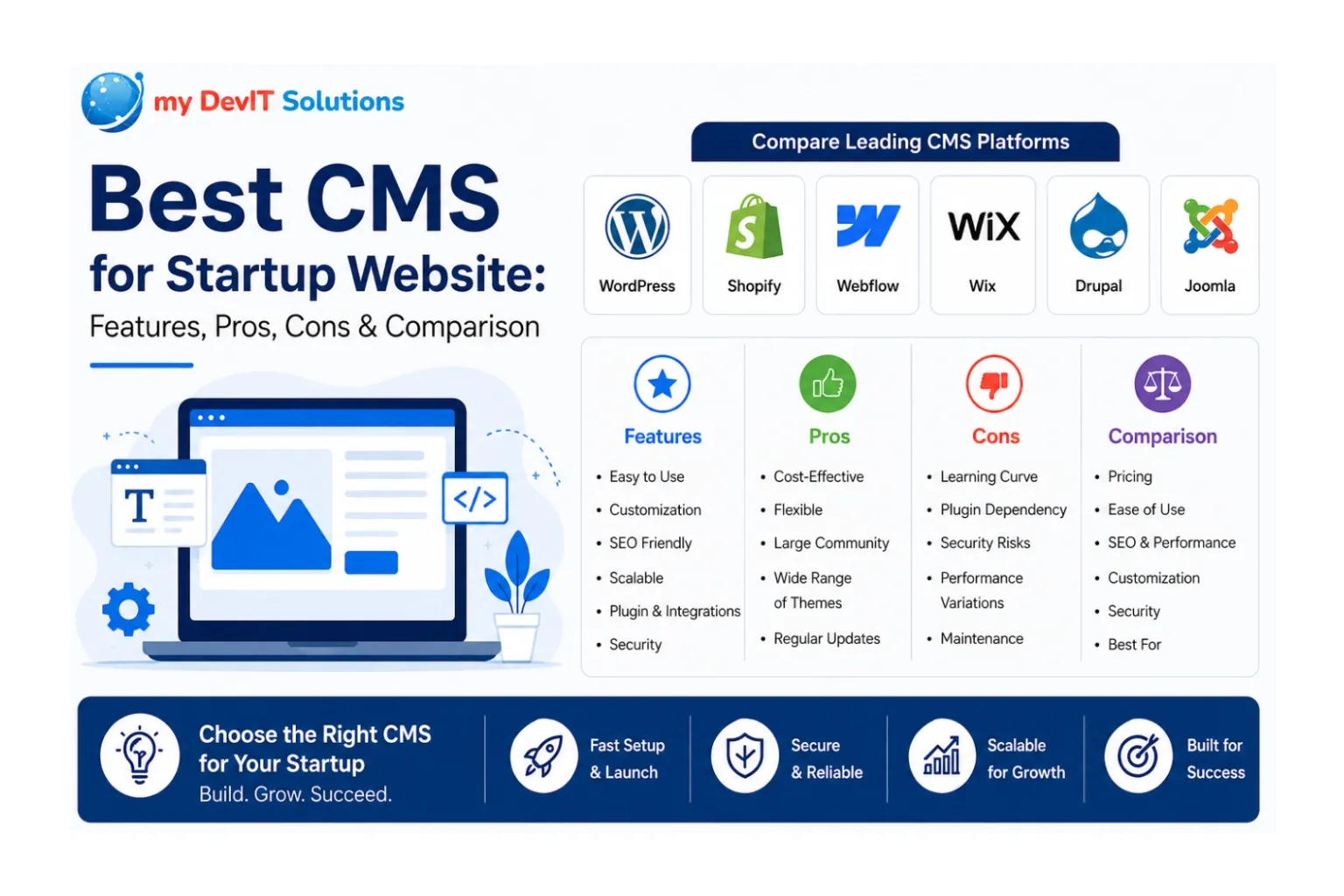
What Is the Best CMS for a Startup Website?
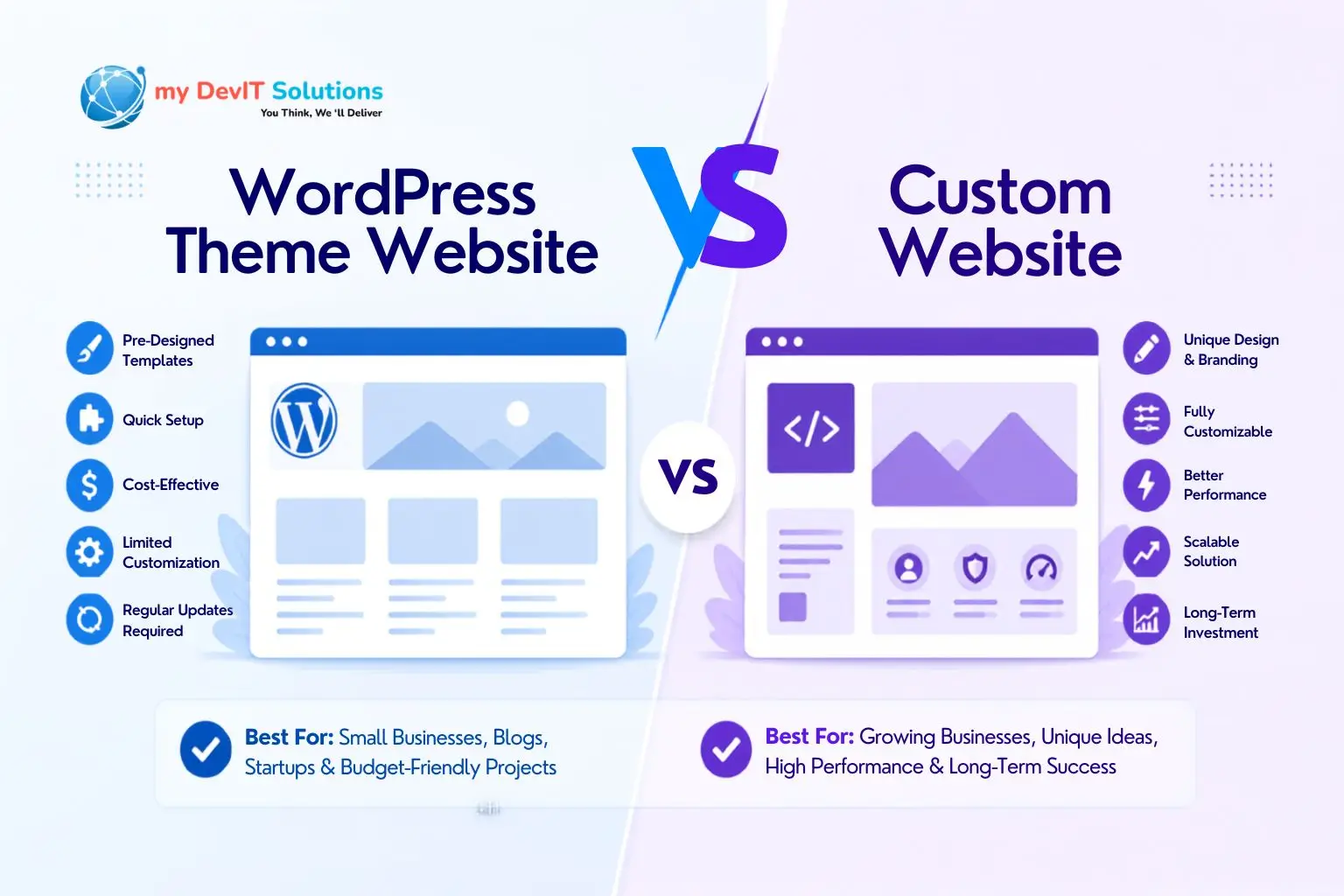
The best CMS for startup website projects in 2026 is WordPress for most founders, thanks to its flexibility, low entry cost, and massive plugin ecosystem though Shopify wins for e-commerce and Webflow wins for design-first SaaS landing pages. At my DevIT Solutions, we’ve built and migrated dozens of startup sites, and the right platform always depends on your budget, technical skill, and growth plans, not a one-size-fits-all answer. Below, we break down the best CMS platforms for startup websites so you can choose with confidence.
Quick Comparison: Best CMS Platforms for Startup Websites
| CMS | Best For | Ease of Use | Starting Cost | SEO Strength | Scalability |
|---|---|---|---|---|---|
| WordPress | Content, blogs, hybrid sites | Moderate | Free (hosting extra) | Excellent | High |
| Shopify | E-commerce startups | Easy | $29–39/mo | Good | High |
| Webflow | Design-heavy SaaS/marketing sites | Moderate | $14–29/mo | Very Good | Moderate |
| Wix | Simple MVP sites, solo founders | Very Easy | $16–27/mo | Good | Low–Moderate |
| Drupal | Complex, data-driven platforms | Difficult | Free (hosting extra) | Excellent | Very High |
| Joomla | Community/membership sites | Moderate | Free (hosting extra) | Moderate | Moderate |
This snapshot is a starting point — the sections below go deeper into pricing, performance, and security so you can match the platform to your startup’s actual roadmap, not just its launch-day needs.
Who Should Use Which CMS?
Choosing the best CMS for your startup website starts with understanding your business model, not just your budget.
- E-commerce startups: Shopify is purpose-built for online stores, with built-in checkout, inventory, and payment processing that would otherwise require custom development.
- SaaS and B2B startups: Webflow or WordPress work well for marketing sites and landing pages that need to convert visitors while supporting frequent design iteration.
- Content-heavy startups (media, blogs, newsletters): WordPress remains the strongest choice because of its publishing tools, editorial workflows, and SEO plugin ecosystem.
- Bootstrapped solo founders: Wix offers the fastest path to a live MVP site without hiring a developer.
- Enterprise-track or highly technical startups: Drupal supports complex data structures, multi-site management, and custom integrations that growing platforms eventually need.
- Community or membership-driven startups: Joomla’s built-in user management makes it a practical, low-cost option for forums and member portals.
If you’re unsure which category fits, a short discovery call with a firm offering Trusted Web Application & Development Services in USA can help map your product roadmap to the right platform before you write a single line of code.
Pros & Cons of Each Platform
WordPress
Pros:
- Open-source and free core software
- Enormous plugin and theme library
- Strong SEO tooling (Yoast, Rank Math)
- Large developer talent pool
- Highly customizable for almost any use case
Cons:
- Requires more hands-on maintenance (updates, security patches)
- Performance depends heavily on hosting and plugin choices
- Can feel overwhelming for non-technical founders
Shopify
Pros:
- Built specifically for online selling
- Reliable uptime and PCI-compliant checkout
- Large app marketplace for added functionality
- Minimal technical maintenance required
Cons:
- Transaction fees apply unless using Shopify Payments
- Less flexible for non-commerce, content-heavy sites
- Can become expensive as apps and traffic scale
Webflow
Pros:
- Visual, code-free design control
- Clean, semantic HTML output that’s SEO-friendly
- Hosted infrastructure with strong uptime
- Great fit for design-forward brands
Cons:
- Steeper learning curve than drag-and-drop builders like Wix
- Content editing for non-designers can be limited
- E-commerce features are less mature than Shopify’s
Wix
Pros:
- Extremely beginner-friendly
- Fast setup with ready-made templates
- Built-in hosting and support
- Good for simple brochure or MVP sites
Cons:
- Limited scalability for complex features
- Harder to migrate away from later
- SEO customization is more restricted than WordPress or Webflow
Drupal
Pros:
- Exceptional flexibility for complex data models
- Strong security track record
- Excellent for multi-site or enterprise-grade platforms
Cons:
- Steep learning curve requiring skilled developers
- Slower initial build time
- Overkill for a simple marketing site
Joomla
Pros:
- Solid balance of flexibility and structure
- Strong native user-access controls
- Moderate learning curve compared to Drupal
Cons:
- Smaller extension ecosystem than WordPress
- Less modern-feeling admin interface
- Declining community momentum in recent years
Startups weighing custom development against off-the-shelf platforms often benefit from consulting a team that provides Top Rated Website Design & Development Services in USA, since the “best” CMS on paper isn’t always the best fit once real product requirements, integrations, and timelines enter the picture.
Pricing Comparison: Best CMS for Small Business & Startup Websites
| CMS | Entry-Level Cost | Scaling Cost (Growth Stage) | Transaction Fees |
|---|---|---|---|
| WordPress | Free software; $5–25/mo hosting | $50–300/mo (managed hosting, premium plugins) | None (unless using specific payment plugins) |
| Shopify | $29–39/mo | $299/mo (Advanced) – $2,300+/mo (Plus) | 0.5%–2% unless using Shopify Payments |
| Webflow | $14–29/mo | $39–212/mo (business/enterprise tiers) | None (e-commerce plans add transaction limits) |
| Wix | $16–27/mo | $32–159/mo (business/enterprise) | None on standard plans |
| Drupal | Free software; $10–50/mo hosting | $200–1,000+/mo (enterprise hosting, devs) | None |
| Joomla | Free software; $5–20/mo hosting | $50–200/mo (managed hosting) | None |
Pricing varies by hosting provider, add-ons, and developer involvement, so treat these as directional figures rather than fixed quotes.
Performance & SEO Comparison
| CMS | Avg. Load Time | Core Web Vitals Readiness | Native SEO Features |
|---|---|---|---|
| WordPress | 1.5–3s (varies by hosting) | Good, with optimization plugins | Strong (Yoast, Rank Math, schema plugins) |
| Shopify | 1.5–2.5s | Good out of the box | Solid but limited customization |
| Webflow | 1–2s | Very good, clean code output | Strong on-page controls, clean markup |
| Wix | 2–3s | Moderate | Improved but still limited vs. WordPress |
| Drupal | 1–2.5s (with caching) | Very good with configuration | Excellent, highly customizable |
| Joomla | 2–3s | Moderate | Decent but fewer modern SEO extensions |
Search visibility isn’t just about the platform anymore it’s also about how well your content and technical setup respond to AI-driven search. Understanding How SEO Is Affected By AI is becoming just as important as choosing the right CMS, since AI Overviews and answer engines now reward structured, fast-loading, well-cited content over keyword-stuffed pages.
Security & Scalability Comparison
| CMS | Security Features | Hosting Requirements | Scalability Limits |
|---|---|---|---|
| WordPress | Depends on plugins/hosting; regular updates needed | Shared, VPS, or managed WordPress hosting | High, with proper architecture |
| Shopify | PCI-DSS compliant, managed by Shopify | Fully hosted (no setup needed) | High, built for commerce scale |
| Webflow | Hosted infrastructure, SSL included | Fully hosted | Moderate; complex apps may need external tools |
| Wix | Hosted infrastructure, SSL included | Fully hosted | Lower; not built for heavy customization |
| Drupal | Strong core security, enterprise-grade | VPS or dedicated/cloud hosting | Very high, used by large institutions |
| Joomla | Decent core security, needs active updates | Shared or VPS hosting | Moderate |
For startups planning aggressive growth, scalability planning matters as much as the initial build something worth discussing with providers offering Premium Professional SEO Services in USA alongside development, so performance and rankings scale together rather than competing for resources later.
Expert Recommendation
For bootstrapped founders validating an idea quickly, Wix or WordPress with a lightweight theme offers the fastest, lowest-cost path to launch. VC-funded startups planning rapid iteration and scale, WordPress or Drupal (depending on technical complexity) provide the flexibility needed as the product and team grow. For e-commerce startups, Shopify remains the clear choice due to its purpose-built checkout, inventory, and payment infrastructure. For design-driven SaaS startups, Webflow strikes the best balance between visual polish and technical performance.
Whichever path you choose, working with a partner delivering the Best Website Design Development and SEO Services in USA ensures your CMS decision is backed by a technical architecture built for growth, not just a quick launch.
Conclusion
There’s no single best CMS for startup website success the right platform depends on whether you’re selling products, publishing content, or building a SaaS product page. WordPress remains the most versatile all-around choice, Shopify dominates e-commerce, Webflow leads on design, and Drupal supports the most technically complex builds. Before committing, map your CMS decision to your actual growth plan, budget, and team’s technical skill. If you want tailored guidance, my DevIT Solutions also offers Best IT Consulting Services for Startups USA, helping founders match platform, design, and SEO strategy from day one instead of rebuilding from scratch later.
FAQs
WordPress is generally the most budget-friendly option since the core software is free and only hosting costs are required.
Shopify is better specifically for e-commerce startups, while WordPress is more versatile for content, blogs, and hybrid business models.
Yes, migration is possible on most platforms, though moving away from hosted builders like Wix or Shopify typically requires more development work.
Webflow is a popular choice for SaaS startups because it combines strong design control with clean, SEO-friendly code output.
Wix works well for early MVPs and simple sites, but many startups outgrow it once they need advanced integrations or SEO customization.
Yes, load times vary significantly across platforms based on code structure, hosting, and how many plugins or apps are installed.
Drupal is widely regarded as one of the most secure CMS options, which is why it’s often used for enterprise and government platforms.
Yes, Shopify can charge transaction fees on top of subscription costs unless you use Shopify Payments as your processor.
WordPress remains the top choice for content-heavy startups because of its publishing tools and extensive SEO plugin ecosystem.
Not necessarily for a basic site, but a developer is recommended for custom functionality, performance optimization, and security hardening.
It’s essential, since all major CMS platforms now offer responsive templates, but quality and customization depth still vary between them.