

WordPress has evolved far beyond a simple blogging platform. Today, businesses use WordPress websites to manage online stores, customer information, marketing campaigns, memberships, and complex business operations. As these websites become more advanced, connecting them with external applications and automation tools is becoming increasingly important.
Artificial intelligence is taking this integration a step further. Instead of simply using plugins to perform predefined tasks, website owners can now explore ways to let AI assistants interact with their website functionality, retrieve information, and perform authorized actions.
This is where WordPress MCP integration becomes interesting.
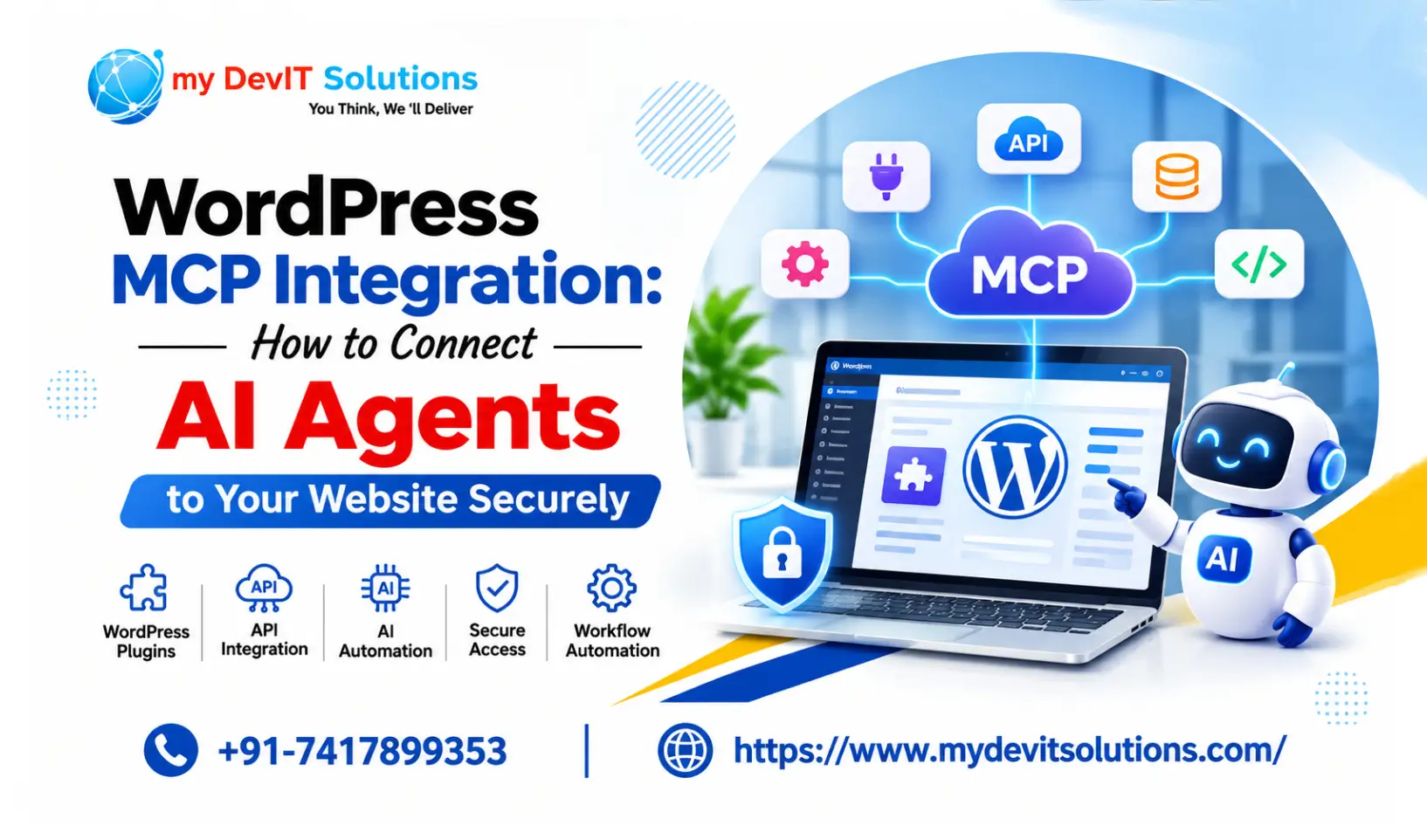
The Model Context Protocol (MCP) provides a standardized way for AI applications to communicate with external systems. When combined with WordPress capabilities and suitable security controls, it can help developers build smarter integrations and more efficient website workflows.
In this guide, we will explore how MCP works, how it connects with WordPress, its potential applications, security considerations, and what businesses should know before implementing it.
What Is WordPress MCP Integration?
MCP stands for Model Context Protocol. It is an open standard that allows AI applications to communicate with external tools and data sources through a structured interface.
For example, imagine running a WooCommerce website. You might want an AI assistant to retrieve order information, check product details, or help generate reports without manually navigating multiple dashboard sections.
Traditionally, developers would need to build custom API endpoints or connect different services using individual integrations.
With MCP, compatible AI applications can discover available tools, understand their expected inputs, and request authorized actions through a standardized communication process.
In WordPress, the MCP Adapter connects registered WordPress Abilities to MCP-compatible AI clients.
This creates opportunities to connect website functionality with AI-powered workflows without building a completely separate integration for every AI application.
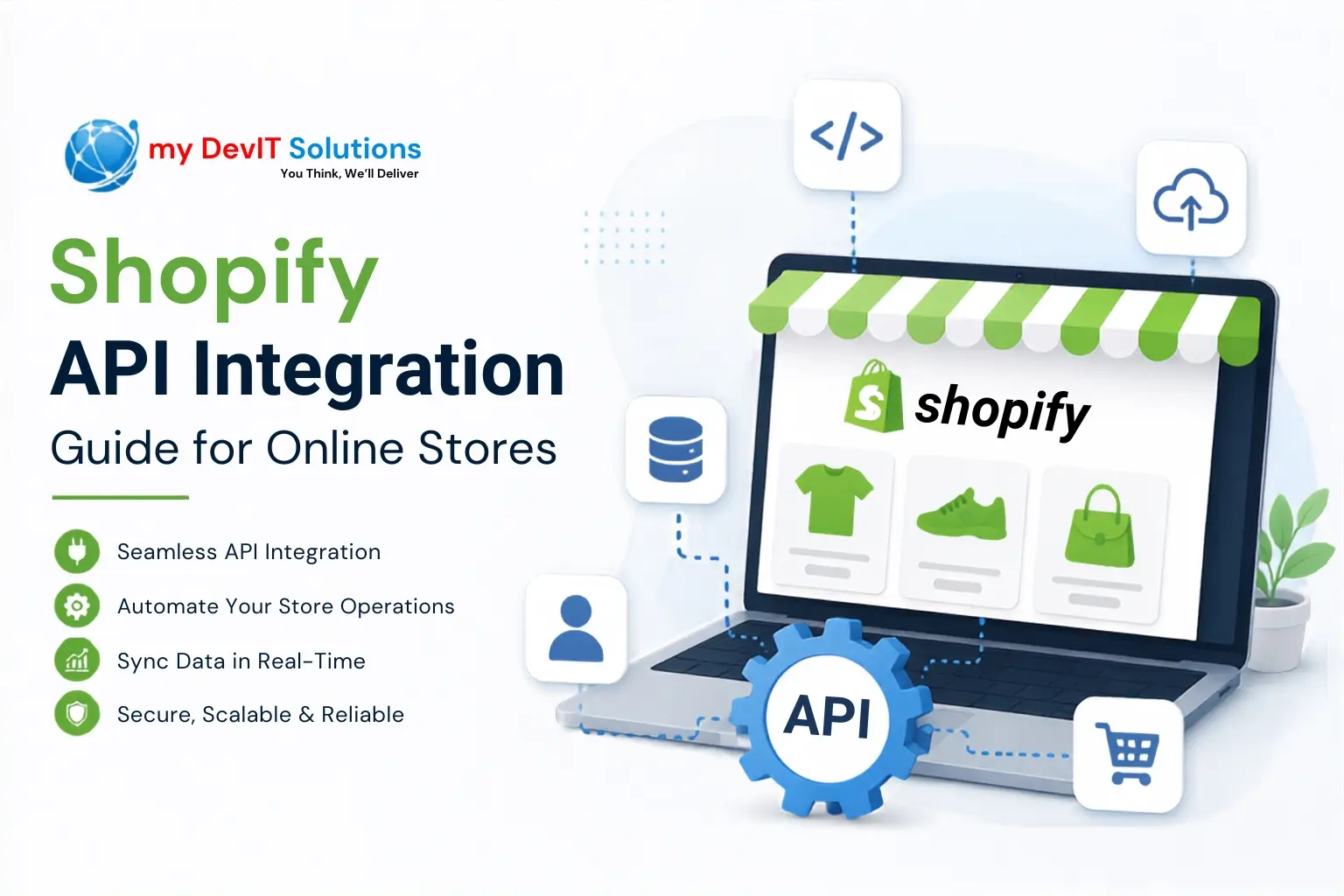
Traditional integrations can become complicated, so understanding API and third-party integrations is essential when connecting WordPress with external applications.
How Does MCP Work With WordPress?
To understand the integration, it helps to look at the different components involved.
1. WordPress Abilities API
The Abilities API provides a standardized way to register individual WordPress capabilities.
Developers can define what an ability does, what information it requires, what information it returns, and which permissions are necessary to execute it.
For example, a custom plugin could register abilities to:
- Retrieve published blog posts.
- Fetch product information.
- Check website environment details.
- Retrieve customer-related information.
- Generate website performance reports.
Instead of exposing an entire plugin or website administration area, developers can make specific functions available through clearly defined capabilities.
2. WordPress MCP Adapter
The MCP Adapter connects registered WordPress Abilities with the Model Context Protocol.
It allows compatible AI applications to discover available abilities and interact with them as MCP tools.
For example, an AI assistant might request a list of recently published articles. The connected WordPress functionality can process that request and return the relevant information, subject to authentication and permission checks.
The adapter acts as a bridge between WordPress functionality and external AI applications.
3. AI Applications
The final component is an MCP-compatible AI application.
Depending on the client and its supported connection methods, developers can connect an AI assistant to a WordPress MCP server.
Once connected, the assistant can discover available tools and request actions using the information provided by the server.
The actual actions it can perform depend on the abilities registered by developers and the permissions assigned to the connected user.
Why Should Businesses Consider WordPress MCP Integration?
MCP introduces new possibilities for businesses that depend on WordPress and multiple third-party applications.
Businesses can improve their digital operations through well-planned business API integrations that connect different applications and services.
Here are some practical benefits.
1. Automate Repetitive Website Tasks
Website administrators frequently perform repetitive activities, such as checking published content, retrieving website information, and reviewing product details.
With properly configured MCP tools, AI assistants can help retrieve information and initiate supported workflows.
For example, a business owner could ask an AI assistant to find recently published articles or summarize available product information.
This can reduce the need to manually navigate different dashboard sections for routine tasks.
2. Connect WordPress With AI Assistants
Traditional integrations often require developers to create separate connections for different applications.
MCP offers a standardized communication approach that compatible AI clients can use to discover and interact with available tools.
This can make it easier to extend existing WordPress functionality to multiple supported AI environments.
3. Improve WooCommerce Workflows
WooCommerce websites manage large amounts of product, inventory, and order information.
Developers can explore building authorized abilities that allow AI applications to retrieve relevant store information.
Potential use cases include:
- Finding products based on specific attributes.
- Retrieving order summaries.
- Reviewing product information.
- Generating sales reports from authorized data.
- Checking inventory information.
These workflows still require appropriate permissions and reliable business logic. MCP does not automatically provide unrestricted access to WooCommerce data.
4. Build Smarter Custom WordPress Plugins
One of the most interesting opportunities is extending custom plugins with AI-compatible functionality.
For example, a developer could create a plugin that manages website content, customer requests, or business reports.
Individual plugin functions could be registered as WordPress Abilities and exposed through an MCP-compatible server.
This approach makes plugin functionality easier to discover and potentially reuse across different AI applications.
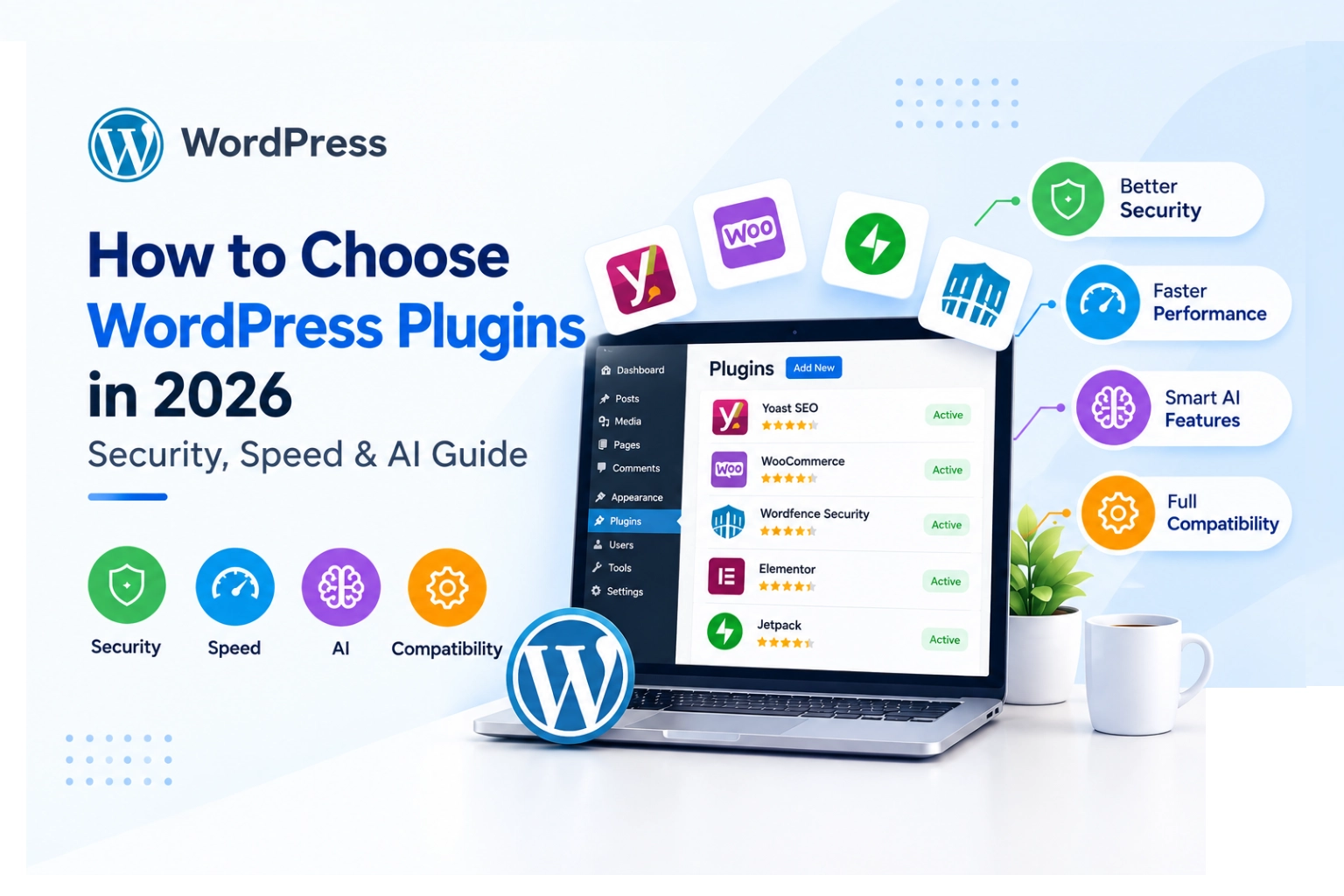
Before extending website functionality, choosing the right WordPress plugins can help maintain compatibility, performance, and security.
5. Reduce Custom Integration Complexity
Without a standardized protocol, developers may need to build and maintain separate communication layers for different AI clients.
MCP can reduce some of this integration complexity by providing a shared interface.
However, developers still need to implement authentication, business logic, data validation, error handling, and compatibility testing.
How to Set Up MCP Integration in WordPress
Setting up an MCP-enabled WordPress website requires technical knowledge, particularly when creating custom functionality.
Here is an overview of the implementation process.
Step 1: Prepare Your WordPress Website
Start with a working WordPress installation and ensure that your website, PHP environment, and installed plugins are maintained.
For development purposes, use a staging website rather than experimenting directly on a live production environment.
Also, make sure you have administrator access or an appropriate development account.
Step 2: Install the WordPress MCP Adapter
The official WordPress MCP Adapter is designed to expose registered WordPress Abilities through the MCP protocol.
Install the adapter using its official distribution source and follow the current installation instructions.
Once configured, the default server provides an endpoint that compatible clients can use to establish a connection:
/wp-json/mcp/mcp-adapter-default-serverThe endpoint alone does not grant unrestricted access. Authentication and the permissions associated with individual abilities determine what a connected client can do.
Step 3: Register WordPress Abilities
If you are developing a custom plugin, you can register specific functionality using the Abilities API.
A simplified conceptual example is:
wp_register_ability(
    'my-plugin/get-site-message',
    array(
        'label' => 'Get Site Message',
        'description' => 'Returns a site message.',
        'input_schema' => array(
            'type' => 'object',
            'properties' => array(),
        ),
        'output_schema' => array(
            'type' => 'object',
            'properties' => array(
                'message' => array(
                    'type' => 'string',
                ),
            ),
        ),
        'execute_callback' => function () {
            return array(
                'message' => 'WordPress integration is working.',
            );
        },
        'permission_callback' => function () {
            return current_user_can('manage_options');
        },
        'meta' => array(
            'mcp' => array(
                'public' => true,
            ),
        ),
    )
);
This is an illustrative example of registering an ability, not a complete production plugin.
The permission_callback is particularly important because it controls whether the connected user is allowed to execute the functionality.
Developers should also validate inputs and handle errors appropriately.
Step 4: Configure Your AI Client
After registering the necessary abilities and configuring the MCP Adapter, connect an MCP-compatible AI client.
The connection process depends on the client being used.
You will generally need:
- Your WordPress MCP server endpoint.
- A supported authentication method.
- Access to the relevant registered abilities.
- A properly configured MCP client.
The official adapter documentation should be followed for the current client configuration and authentication requirements.
Step 5: Test the Integration
Before using MCP on a production website, test the complete integration.
Start with simple, read-only functionality.
For example, test whether your AI assistant can retrieve website information or access a list of published posts.
Next, verify that restricted users cannot access abilities they are not authorized to use.
Also test invalid inputs, expired credentials, connection failures, and unexpected responses.
Once everything works as expected, you can gradually introduce more advanced functionality.
Important Security Considerations for WordPress MCP Integration
Connecting AI applications to website functionality introduces additional security responsibilities.
An improperly configured integration could expose sensitive information or allow unauthorized operations.
Along with MCP-specific security measures, following essential WordPress website security practices helps protect your website against unauthorized access.
Here are some important precautions.
1. Use Proper Permission Checks
Every ability should have a permission callback that checks whether the authenticated user has the required WordPress capabilities.
Avoid giving every connected AI client administrator-level access.
For example, an ability that retrieves public blog posts should not automatically receive permission to modify website settings.
2. Avoid Exposing Sensitive Website Data
Not every WordPress function should be available through MCP.
Avoid exposing sensitive customer information, payment details, private content, or internal configuration data unless there is a clearly justified and properly secured business requirement.
Only expose the minimum information required for each workflow.
3. Protect API Credentials
Authentication credentials and API keys should never be hardcoded into publicly accessible files or exposed in frontend JavaScript.
Use secure credential storage and appropriate authentication mechanisms.
Restrict access to credentials and rotate them when necessary.
4. Use Dedicated User Accounts
Where practical, create dedicated WordPress accounts for external integrations.
Assign only the permissions required for the integration.
This makes it easier to manage access, review activity, and revoke credentials without affecting normal website administration.
5. Monitor Integration Activity
Keep track of requests, errors, and important operations.
Logging can help identify unexpected behavior and make troubleshooting easier.
For sensitive operations, consider additional approval steps before executing actions such as deleting content, changing settings, or modifying customer-related records.
Common Challenges When Integrating MCP With WordPress
Although MCP offers exciting possibilities, developers should understand some potential challenges before implementation.
Compatibility: Not every WordPress plugin or third-party application automatically supports MCP. Developers may need to create custom abilities and integration logic.
Authentication: Connecting external AI applications requires a suitable authentication setup. Different clients may support different connection methods.
Permissions: A working connection does not mean every action should be accessible. Each ability needs appropriate access controls.
Data validation: Information received from an external application should be validated before being processed or stored.
Maintenance: WordPress updates, plugin changes, and MCP protocol developments can affect integrations. Regular testing and maintenance are essential.
Understanding these challenges can help developers build more reliable integrations and avoid unnecessary security risks.
WordPress MCP Integration vs. Traditional REST API Integration
MCP and REST APIs serve related but different purposes.
REST APIs provide endpoints that applications can use to exchange information and execute operations.
MCP provides a standardized way for AI applications to discover and interact with tools and resources.
Here is a simple comparison:
| Feature | REST API | MCP |
|---|---|---|
| Primary purpose | Application communication | AI application and tool communication |
| Integration approach | HTTP endpoints and defined requests | Standardized tools, resources, and prompts |
| Tool discovery | Usually requires API documentation | Supports structured tool discovery |
| AI compatibility | Requires an additional integration layer | Designed for AI application interoperability |
| Custom development | Endpoint and business logic development | Tool registration and protocol integration |
| Security | Authentication and authorization | Authentication and authorization |
Neither approach completely replaces the other.
REST APIs remain valuable for conventional application integrations, while MCP provides an additional communication layer for compatible AI applications.
In many WordPress projects, both technologies can work together.
What Is the Future of AI-Powered WordPress Integrations?
The WordPress ecosystem is moving toward more standardized ways of connecting website functionality with AI applications.
The introduction of the Abilities API, MCP Adapter, and WordPress AI development initiatives demonstrates how developers can build more flexible integrations.
Businesses may increasingly explore AI-assisted website management, automated reporting, product information retrieval, and integrations with external business applications.
However, successful implementation will depend on more than simply connecting an AI assistant.
Developers will need to focus on secure authentication, controlled permissions, reliable data exchange, and maintainable plugin architecture.
For businesses using WordPress, this creates an opportunity to make existing website functionality more accessible and useful through emerging AI-powered workflows.
Final Thoughts
WordPress MCP integration represents an interesting development in the relationship between website platforms, plugins, APIs, and artificial intelligence.
A reliable integration architecture should also consider WordPress website performance to ensure that additional functionality does not negatively affect the user experience.
By combining registered WordPress Abilities with the MCP Adapter, developers can make selected website functionality available to compatible AI applications through a standardized protocol.
Whether you operate a WooCommerce store, manage a business website, or develop custom WordPress plugins, understanding MCP can help you prepare for new integration possibilities.
The best approach is to start with simple, read-only tools, implement proper security controls, and gradually expand functionality as your requirements grow.
At MyDevIT Solutions, we believe that combining reliable WordPress development with modern API and AI technologies can help businesses build more flexible, scalable, and efficient digital experiences.
If you are planning to integrate AI-powered functionality into your WordPress website, investing in the right development architecture today can help prepare your business for tomorrow’s digital landscape.
Frequently Asked Questions
WordPress MCP integration connects a WordPress website with compatible AI applications using the Model Context Protocol. It allows AI assistants to discover and interact with registered website functionality through authorized tools and capabilities.
The WordPress MCP Adapter is an integration component that exposes registered WordPress Abilities through the Model Context Protocol. It allows compatible AI applications to discover and execute supported website functions while respecting permission checks.
Yes. Developers can create specific WordPress Abilities for WooCommerce functionality, such as retrieving product information, checking authorized order details, and generating reports. Access should be restricted according to the user’s permissions and business requirements.
WordPress MCP integration can be implemented securely when developers use proper authentication, permission callbacks, input validation, restricted user accounts, and monitoring. Exposing sensitive website functionality without appropriate security controls can create risks.
The WordPress REST API allows applications to exchange information through predefined HTTP endpoints. MCP provides a standardized way for compatible AI applications to discover and interact with tools and resources. Both technologies can complement each other in modern WordPress integrations.