

Headless CMS vs Traditional CMS: Complete Guide for 2026
Choosing the right CMS can make or break your website.
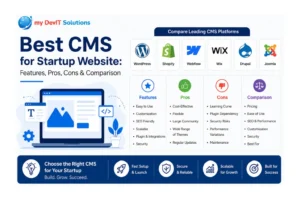
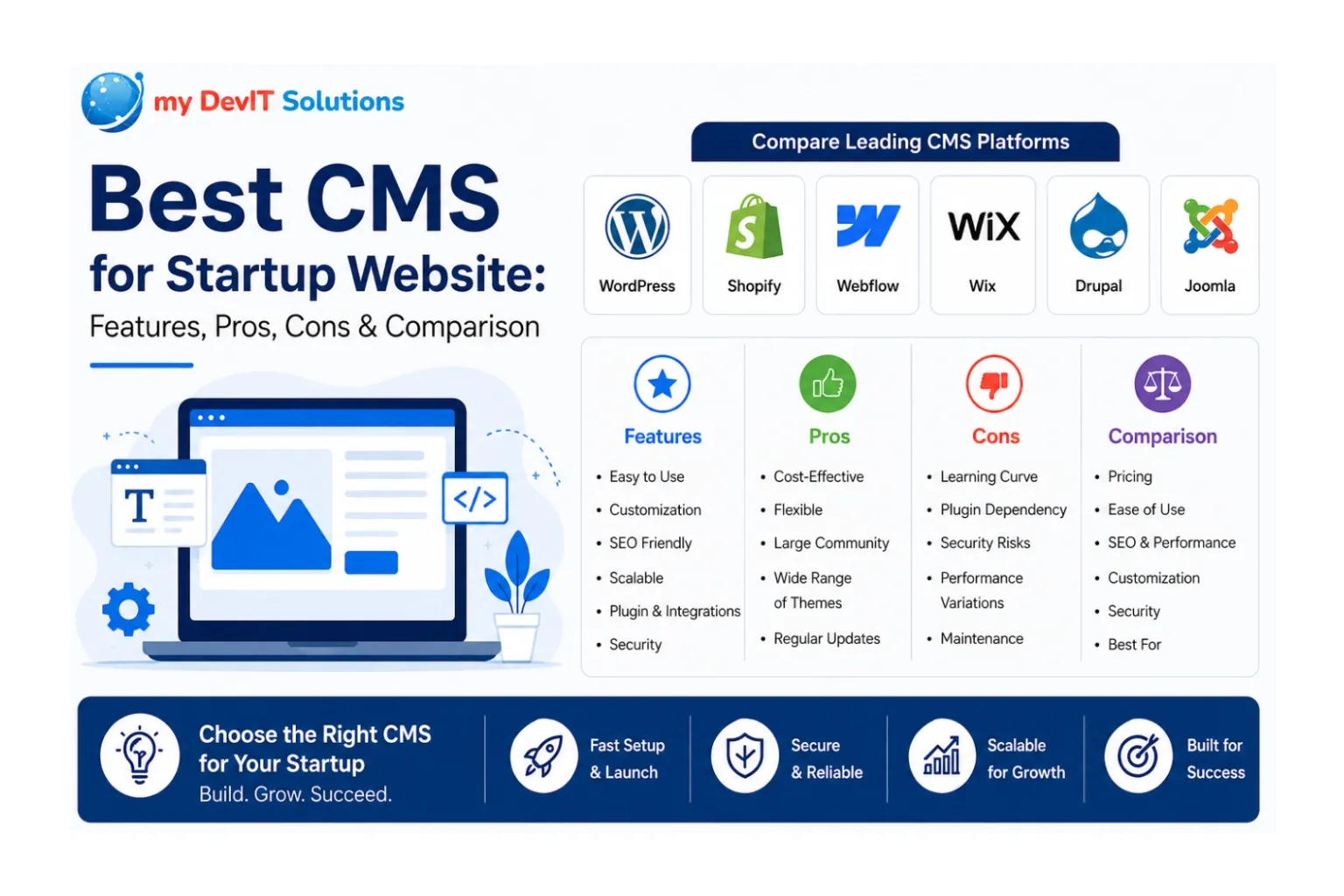
In 2026, businesses are moving toward headless CMS, but traditional platforms like WordPress still dominate.
So, which one is right for you?
What is a Traditional CMS?
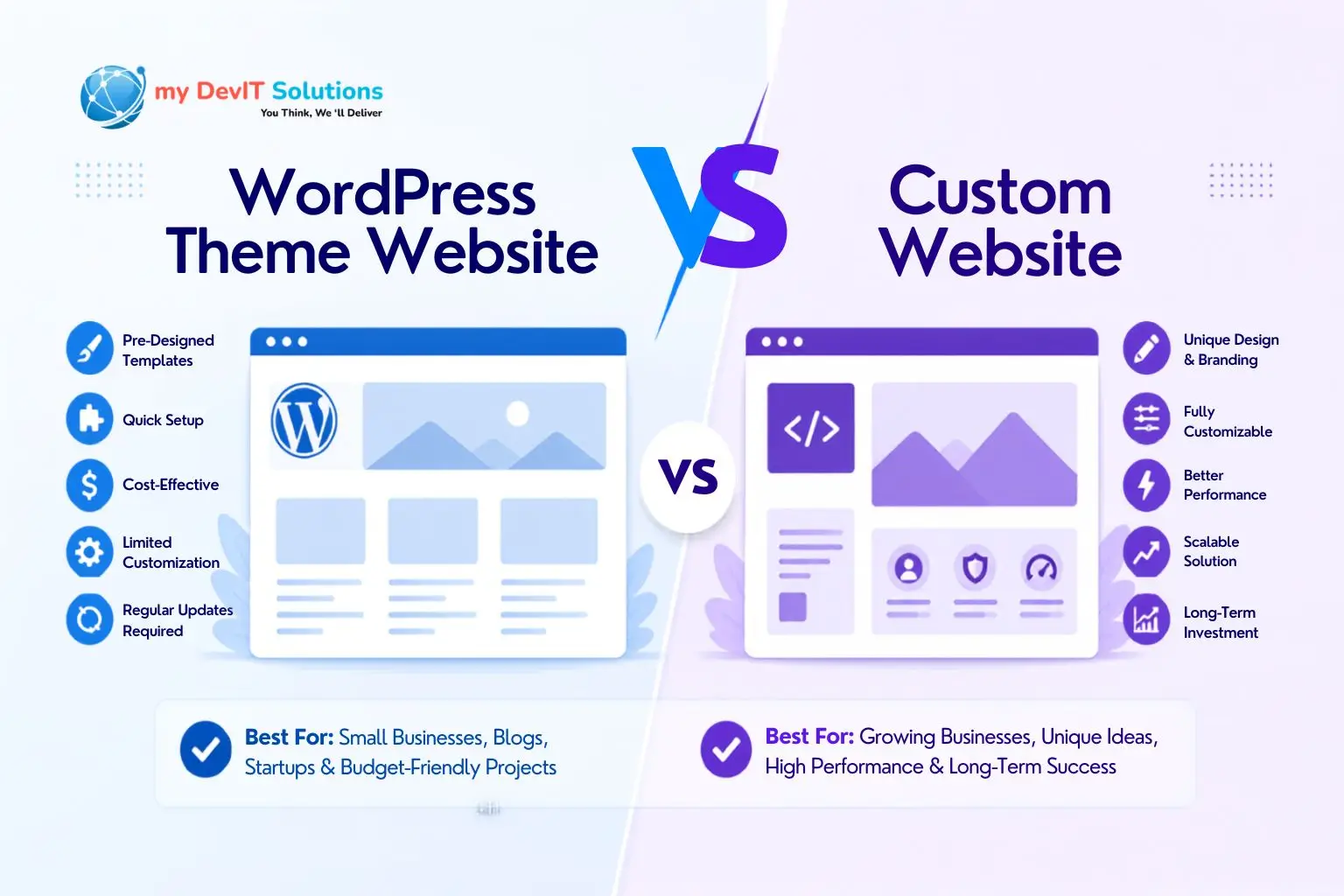
A traditional CMS (like WordPress) manages both:
- Backend (content)
- Frontend (design)
✔ Pros:
- Easy to use
- Quick setup
- Affordable
❌ Cons:
- Limited flexibility
- Slower performance for complex apps
What is a Headless CMS?
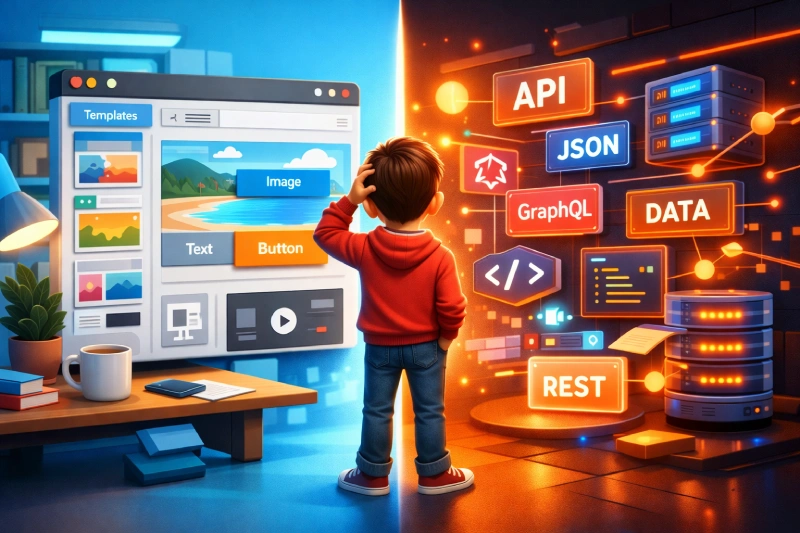
A headless CMS separates:
- Backend (content management)
- Frontend (presentation layer)
Content is delivered via APIs to any platform.
✔ Pros:
- High performance
- Flexibility (React, Next.js, apps)
- Omnichannel delivery
❌ Cons:
- Requires technical expertise
- Higher initial cost
Headless CMS vs Traditional CMS (Quick Comparison)
| Feature | Traditional CMS | Headless CMS |
|---|---|---|
| Ease of Use | Easy | Moderate |
| Flexibility | Limited | High |
| Performance | Average | Fast |
| Scalability | Medium | High |
Which One Should You Choose?
1. Choose Traditional CMS if:
- You need a simple business website
- You want quick deployment
- Budget is limited
2. Choose Headless CMS if:
- You need high performance
- You are building a scalable app
- You want modern tech (React, APIs)
If you’re unsure which CMS is right for your business, explore our Custom Web Development Services.
You can also reach out via our Contact Page for a free consultation.
Final Verdict
There is no one-size-fits-all solution.
- Small businesses → Traditional CMS
- Growing startups & tech companies → Headless CMS
The best choice depends on your goals, budget, and scalability needs.